
Lightroom presets for Leica cameras
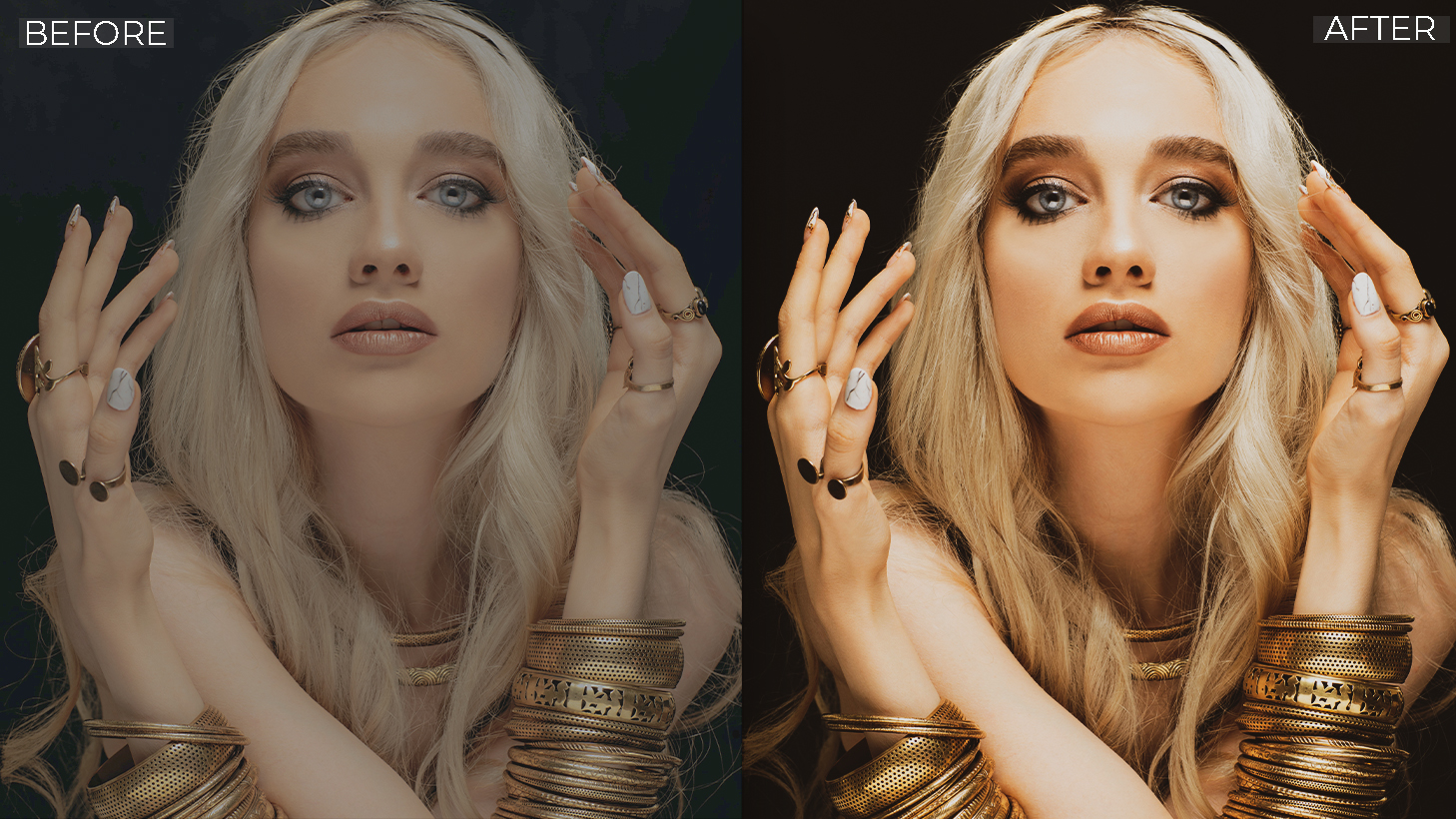
Warm skin against a deep shadow. Silver greys in a black-and-white print. Choose a finish for the photograph, starting with the Leica that made it.
Shop by look
View all collectionsWhich Leica do you shoot?
Start with the sensor you know. Find what to look for in skin, highlights, and shadow detail when you apply a preset to your DNG.
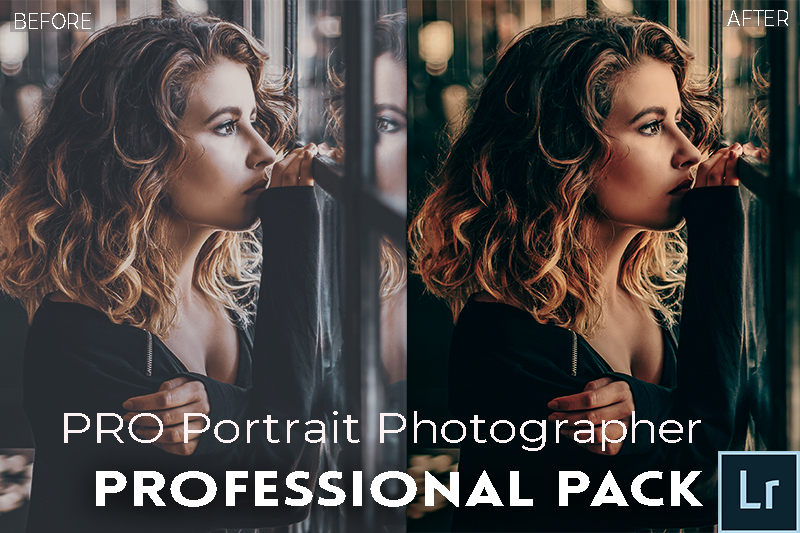
A portrait in window light
Watch the skin just below the near eye. In the finished frame, the face is warmer and the dark background gives the profile more definition. The reflection in the glass still holds its place.
Explore the Pro Portrait collectionFrom the blog
Why your Leica sensor changes the way a preset looksA photographer’s guide to film colour, cinematic contrast, and making three DNGs work together.
About Leica Presets
From the CCD files of the M8 and M9 to the M11 generation, we have spent hundreds of hours refining looks around the way different Leica cameras render light.
Read why we built these collections